
Path through this phrasebook: Home / Guide
Pandagoo Spreadsheet walkthrough: one order along the archived five-label strip
One order, followed through the five labels Pandagoo's home page used to describe its own process, with the screens you pass and the phrase that tells you each step is done.
Ground rules for this walkthrough
This is how to use Pandagoo as the March 2026 screens describe it, written for the day the site answers again, and useful meanwhile for any agent built on the same template. You start from a product: either a listing you found yourself or one from our Spreadsheet shelves, which you can browse by category and open on 1688.
Each step below has three parts: what you do, which screens you pass through, and an exit phrase. The exit phrase is the status or message that means the step is finished and the next one can begin.
Strip step one: an account, a link, a paid order
On the strip: Registration and ordering
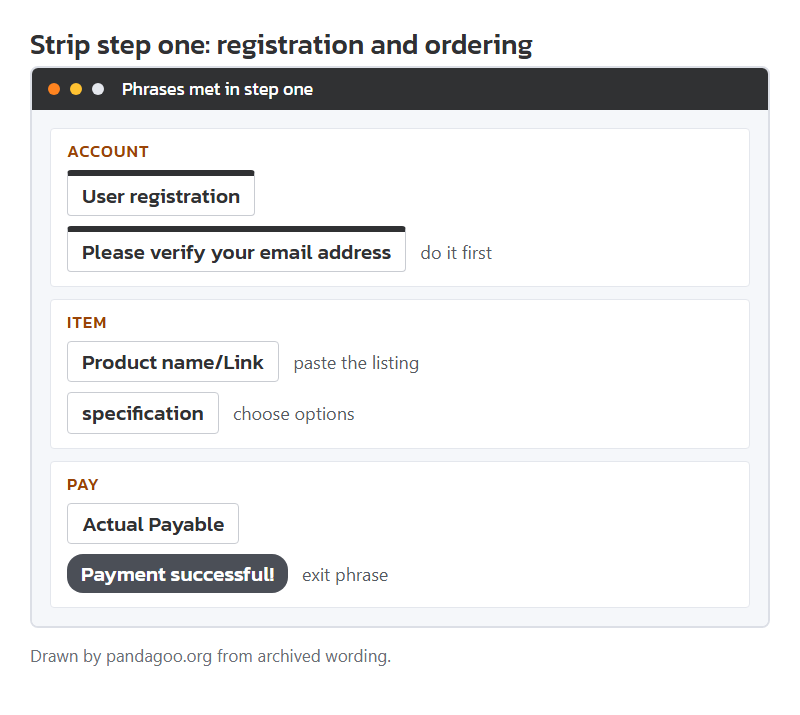
The first label on the archived home-page strip covers more ground than its name suggests: you create the account, find the item, choose options and pay for the goods. Four chapters of this phrasebook sit inside it.
Start on the sign-up screens: email, a mailed code, a slider puzzle and a terms tick. Confirm the email at once, because an unconfirmed account met a pop-up at checkout warning that orders might fail.
Then paste a listing address into the search box and read the side panel described on the product page chapter: origin, minimum quantity, time to the warehouse. Choose options, add to the cart, and move to the checkout screens, where the handling fee is added.
Exit phrase
Payment successful!The step is over when the result page says the payment went through and the order shows "Paid" on the order list.
Strip step two: staff buy it, the seller sends it, the warehouse photographs it
On the strip: Procurement and inspection by platform
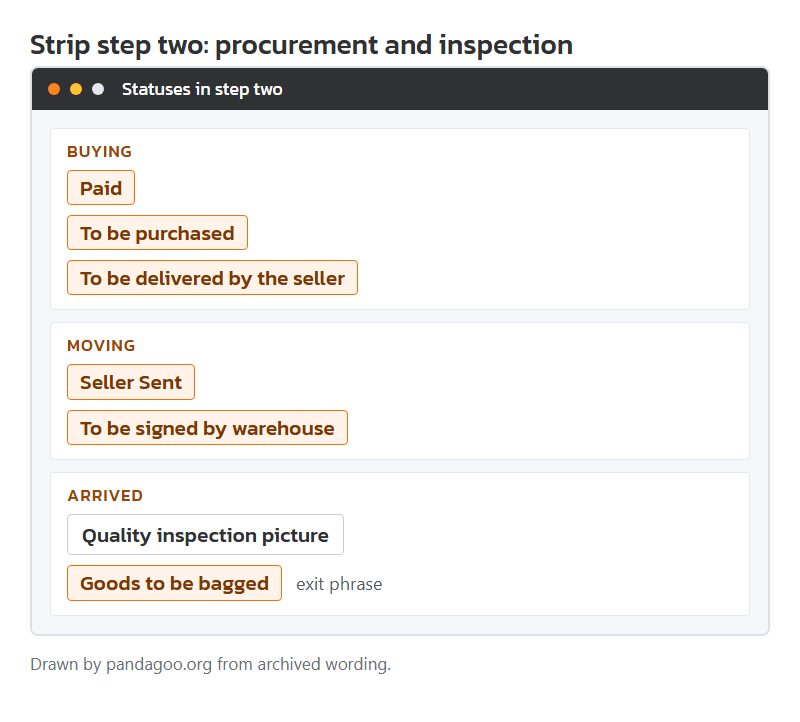
Here you mostly wait and read statuses. Purchasing staff worked China office hours, 09:00 to 18:00, so an order paid in your evening was bought the next morning, China time. The order list chapter lists each status an item can pass through.
Two statuses ask for action. "Pending to pay difference" means the price or delivery charge rose; pay it or ask to cancel. "Order canceled" on a paid order means staff could not buy it, and the refund goes to your balance.
When the parcel arrives, the warehouse opens it, takes the default photo set and shelves the item. The warehouse chapter explains the photo labels and how to check them against the options and notes you typed.
Exit phrase
Goods to be baggedThe step is over when the item sits in My warehouse with photos and you have accepted it.
Strip step three: picking parcel contents and a quote method
On the strip: Submits shipment
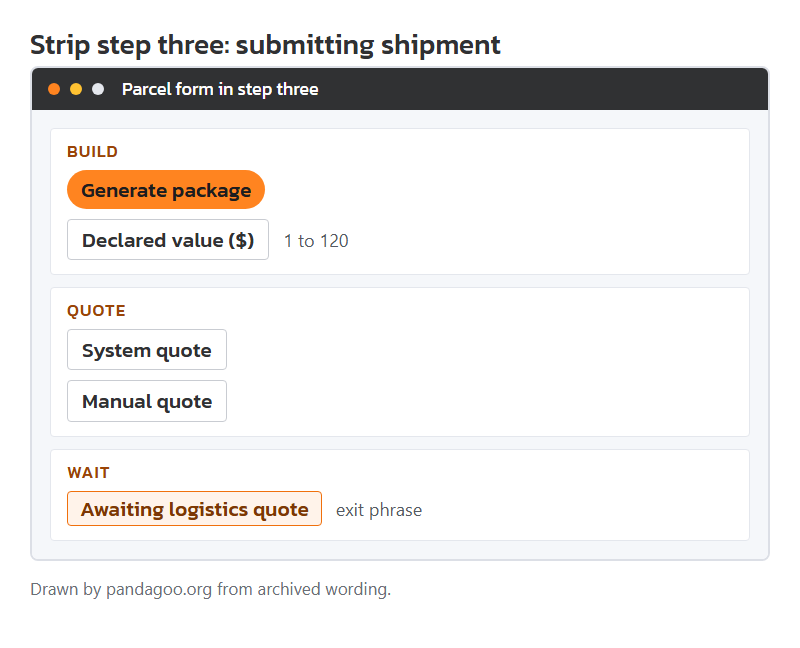
The third label is yours to act on. Tick stored items, press Generate package, give an address and a declared value between 1 and 120 US dollars, and pick a route. The parcel chapter covers each line.
The big choice is the quote method. A system quote means paying from an estimate now and settling the difference after packing. A manual quote means waiting for staff to pack and measure, then paying the exact sum. Bulky or mixed parcels suit the manual route.
If a route's size limit worries you, a rehearsal package packs and weighs a trial box for a fee whose amount the archive did not keep.
Exit phrase
Awaiting logistics quoteFor a manual quote, the step ends with the parcel waiting to be quoted; for a system quote, with the freight paid.
Strip step four: packing, freight settlement and departure
On the strip: Pack by platform
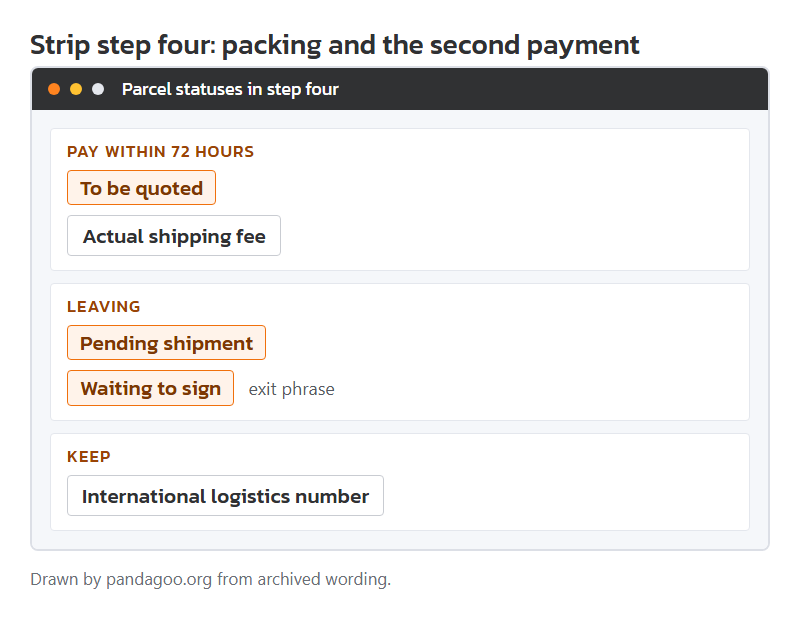
Staff pack, weigh and measure. Whichever quote you picked, the parcel then needs paying in full: a submitted parcel had 72 hours before automatic cancellation, and a parcel with a balance due did not leave until it was cleared.
Changing your mind now costs money. Cancelling a parcel the warehouse had already packed carried a CNY 20 unpacking charge, and used packing materials were not refunded.
After payment the parcel shows "Pending shipment" and then leaves. Copy the international logistics number the moment it appears.
Exit phrase
Waiting to signThe step is over when the parcel has left China and is waiting for your delivery signature.
Strip step five: delivery, customs and the claim clock
On the strip: Receiving goods
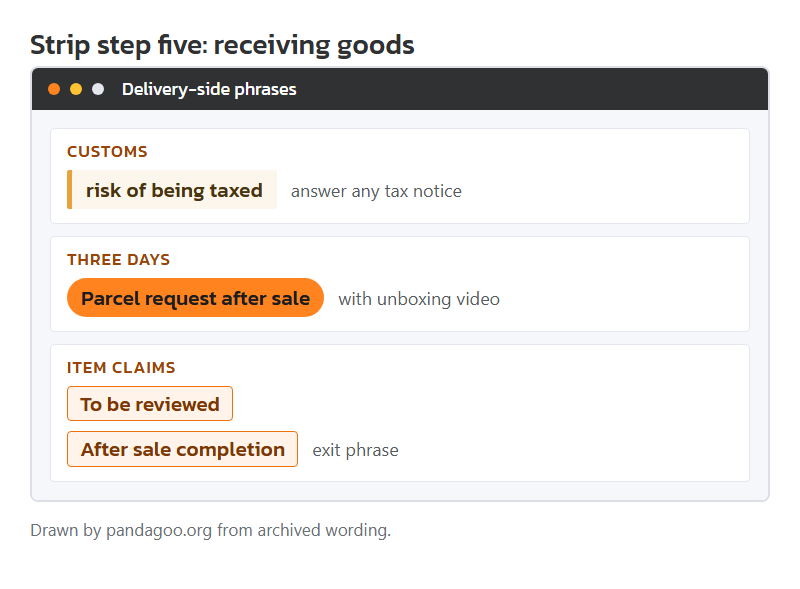
The last label is short on screen and long in practice. Customs in your country may open and tax the parcel; the stored reminder warns that leaving a tax notice unanswered may end in an expensive return. Track it with the carrier's own site.
Film the unboxing, label side first. The archive gave three days from delivery to raise a problem, with unpacking photos and video kept. Item returns to Chinese sellers had their own shorter rules, covered in the after-sales chapter.
Exit phrase
After sale completionIf nothing went wrong there is no closing phrase at all; if something did, the claim ends here.
After the fifth step
A finished order leaves a trail of numbers: the order number, the seller's external order ID and the international logistics number. Keep all three until the goods have been worn or used for a while. The order list chapter explains which number each party uses.
If one step went differently from the description here, the matching chapter has the cards for the unusual statuses, and the phrase finder will place any message you copied.